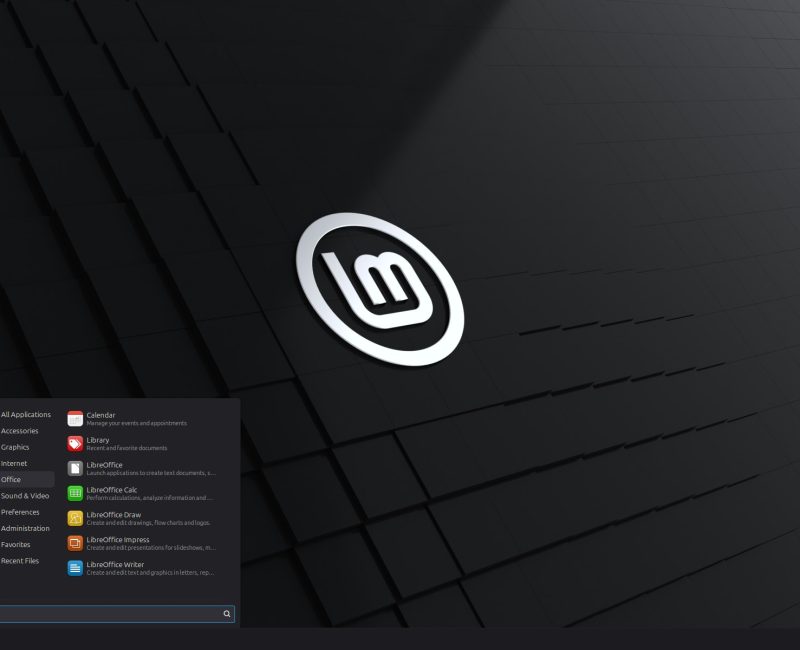
Linux Mint doesn’t chase trends, and that’s exactly why so many people land on it as their first Linux desktop. So when the Mint team drops a beta with a fully supported Wayland session, a brand-new installer, six new apps and the return of hibernation, it’s worth paying attention.
Linux Mint 27 “Adrien” entered beta on November 27, with Cinnamon, Xfce and MATE editions available for testing. It’s a long-term support release, and the official release notes put the end of support at April 2031. The stable build is expected around Christmas, according to Phoronix.
Under the hood, Mint 27 moves to an Ubuntu 26.04 LTS (“Resolute”) package base with the Linux 7.0 kernel, and the team says HWE ISOs with newer kernels will follow as they become available. If the version number looks like a typo, it isn’t. Mint 27 is the direct successor to the 22.x series, and OMG! Ubuntu explains the jump as part of a move to yearly releases numbered for the year ahead.
Wayland grows up, and hibernation comes home
The biggest story is Cinnamon 6.8, which the Mint team calls “our biggest Cinnamon release yet.” Wayland is no longer an experiment here. The project lists 3D acceleration, HiDPI, fractional scaling, keyboard layouts, input methods and touchpad and touchscreen gestures as working in the Wayland session. That matters for anyone running a high-resolution laptop panel or a mixed-DPI monitor setup, which has been one of the clunkier corners of desktop Linux for years.
To get there, the screensaver and lock screen were rewritten from scratch and built directly into Cinnamon, so they work on both Wayland and X11. Gestures are now one-to-one, meaning the workspace actually slides along with your fingers instead of snapping over after the swipe ends. Each monitor can also get its own wallpaper, a small thing people have been asking for forever.
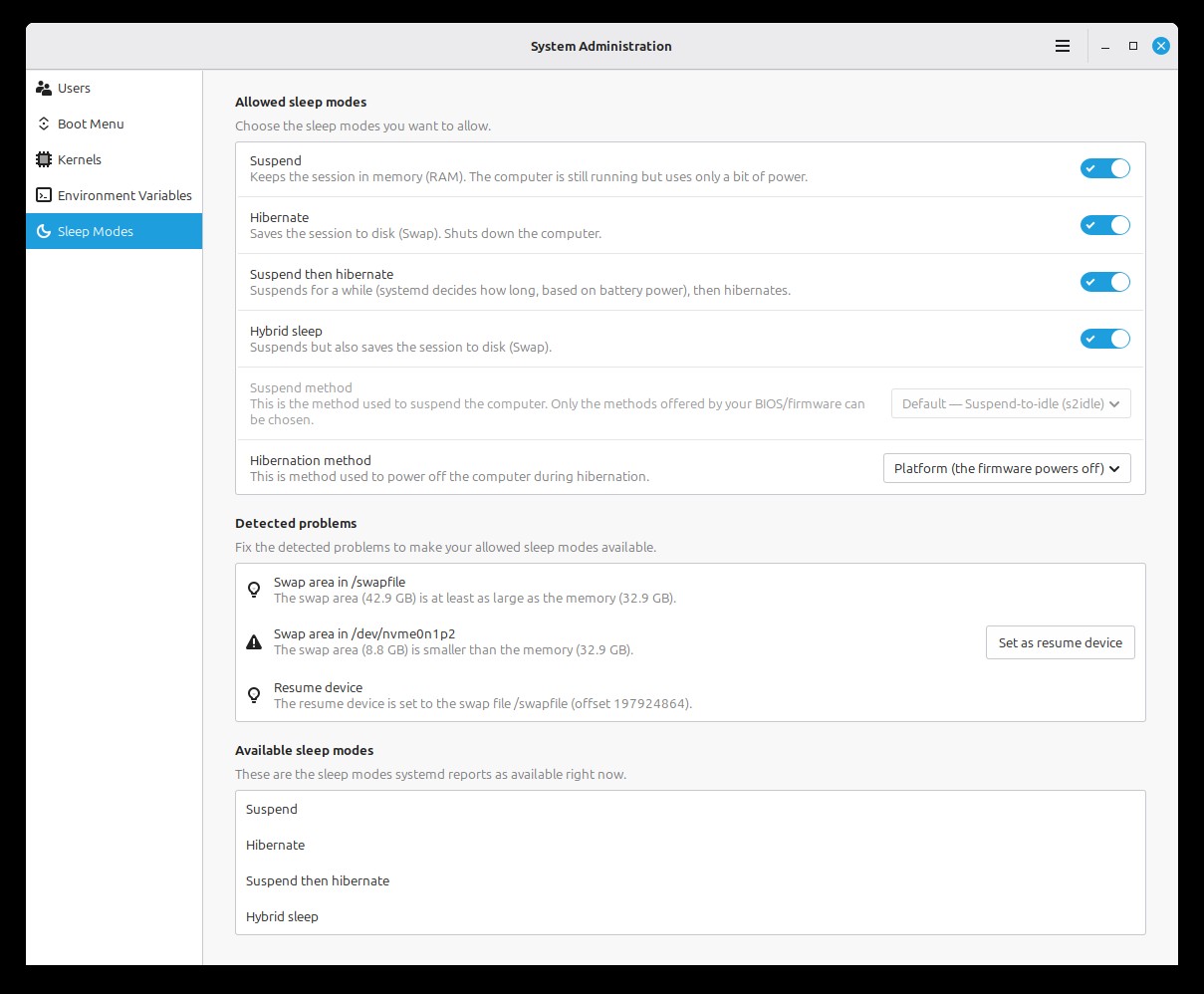
Then there’s hibernation. Ubuntu dropped it from the available sleep modes, so it was usually missing in Mint too. The new release notes put it bluntly: “We brought it back.” A new Sleep Modes page in System Administration can enable Hibernate, Hybrid Sleep and Suspend-then-Hibernate, and it checks your setup along the way. That last mode is the clever one for laptops: the machine suspends normally, then hibernates when the battery hits a critical level, so you don’t come back to a dead battery and a lost session.
System Administration picks up a lot more, too. You can now manage user accounts there across Cinnamon, Xfce and MATE, turn on home directory encryption when creating a new account rather than only at install time, and set system-wide environment variables. Kernel management moves out of the Update Manager and now works by series: you pick which kernel series to track and how many old kernels to keep, and the system cleans up the rest weekly. Any kernel you mark as protected never gets removed.
The app lineup is where Mint’s personality shows. There’s Clockenstein, a calendar that handles local calendars, Google Calendar and CalDAV services like Nextcloud, with its own background daemon for reminders, plus a companion Clocks app for alarms. Velocitty is a new terminal with a tab overview, color palettes and color-coded tabs: red for superuser activity, blue for remote sessions. Unfold is a lightweight archive manager built on 7-Zip with RAR support, Xepub is an EPUB reader, and the Library app (Thingy) got a redesign.
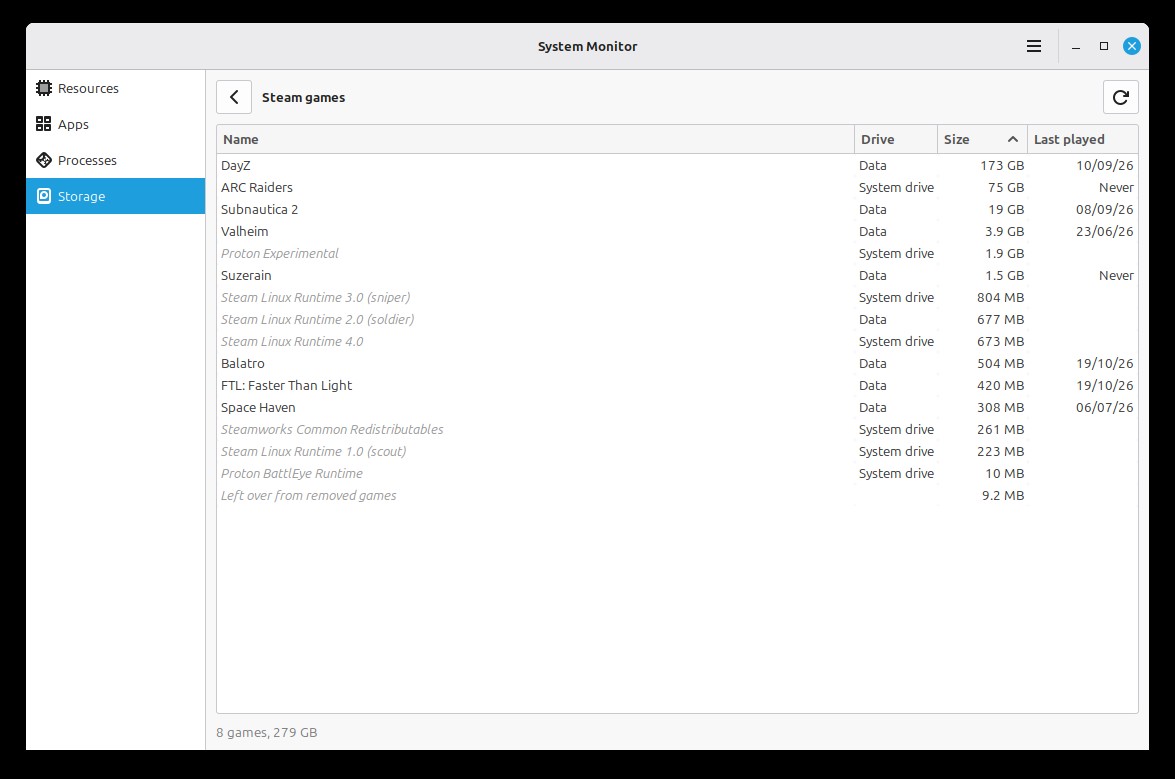
For PC gamers, Superlight is the sleeper hit. The new system monitor graphs CPU, memory, swap, GPU, network, disk I/O, temperatures and fan speeds, and its Storage page includes a dedicated Steam view showing how much space each game takes. Anyone who has wondered where 200GB went after a few Proton experiments will get why that’s useful. There’s a matching Flatpak view as well.
Smaller changes round it out. Nemo, the file manager, gains a preview pane (toggle it with F7) and no longer always waits at least 200 ms before showing a folder’s contents, so some folders now open instantly. Type-to-search now filters the folder view instead of jumping between matches. Fcitx5 joins IBus for input methods, there’s a new screenshot tool with cropping and per-monitor capture, WPA3 and OWE Wi-Fi networks are supported, and Timeshift can now pause automatic snapshots temporarily.
The catches before you jump in
This is a beta, and Mint is upfront that it “might contain critical bugs.” The team asks testers to file issues on the mint27-beta GitHub repo, one bug per report. Upgrading from the beta to the stable release will be possible, as will upgrading from Mint 22.3, but upgrade instructions won’t arrive until the stable launch.
“Fully supported” Wayland also doesn’t mean Wayland by default. GamingOnLinux notes that X11 remains the default Cinnamon session in the beta, and OMG! Ubuntu says it’s still not a flawless experience. Honestly, that’s the right call for a distro whose audience values “it just works” over “it’s new.”
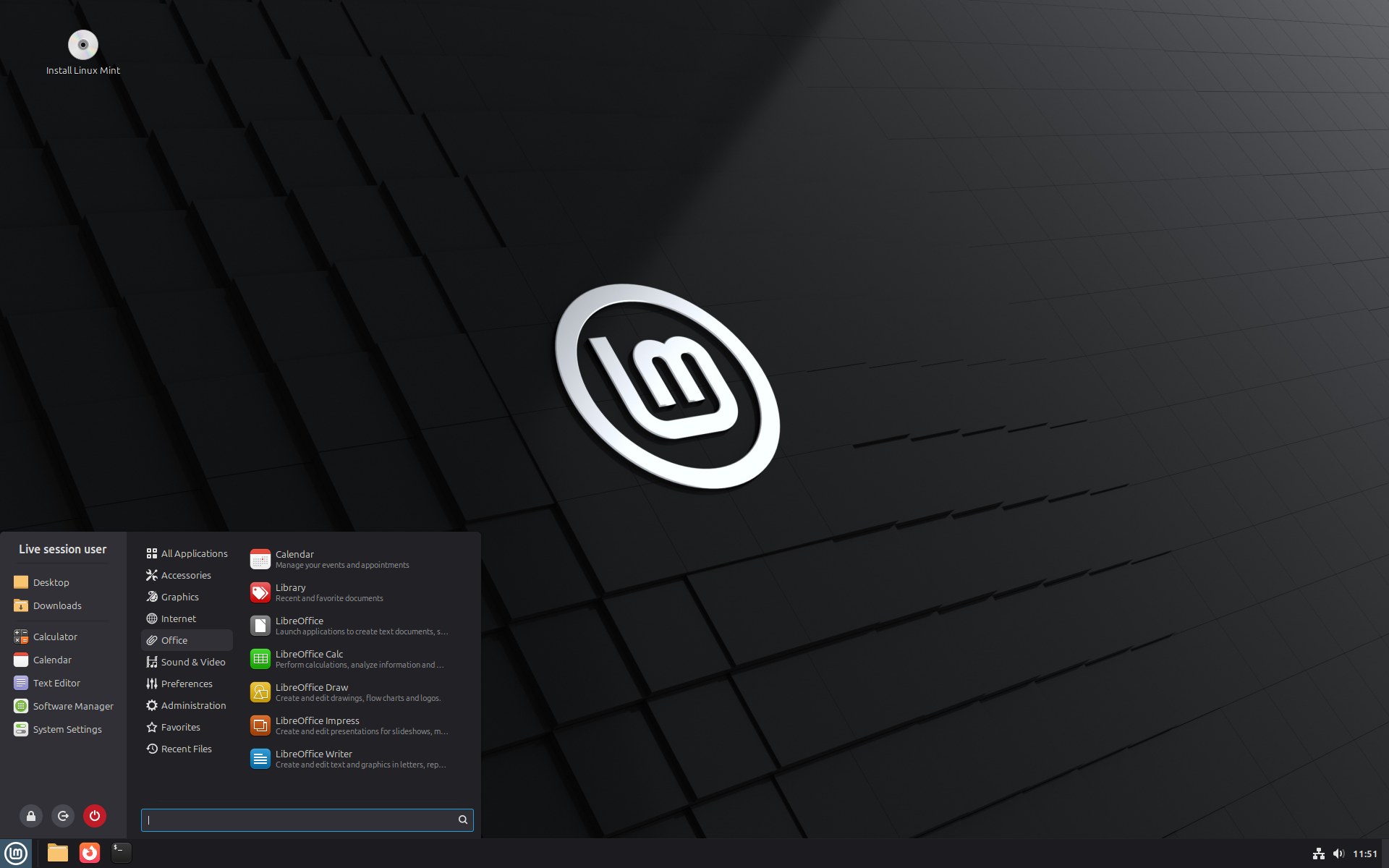
The installer change deserves a warning label. Mint 27 replaces Ubuntu’s Ubiquity with the Live Installer from Linux Mint Debian Edition, which the team describes as faster and more stable. But per OMG! Ubuntu, it no longer offers an easy option to install alongside Windows or another distro, so dual-booters will have to partition manually. If you’re setting up a gaming PC that keeps Windows around for anti-cheat titles, plan that step carefully and back up first.
Hibernation has a cost, too. It needs swap space at least as large as your RAM, so a 32GB machine needs roughly 32GB of swap set aside. Mint’s own notes also admit hibernating and resuming can take longer than a reboot. The system requirements stay modest at 2GB of RAM (4GB recommended) and 20GB of disk (100GB recommended), but realistic hibernation setups will push storage needs well past that floor.
Cody’s take
I grew up on the PS2, where you put a disc in and things just worked, and that’s still the bar I hold desktops to. Mint 27 looks like the team understood that. Instead of a flashy redesign, it fixes real annoyances: laptops dying overnight in suspend, mystery disk usage, kernel clutter, and Wayland gaps on HiDPI screens.
The tradeoffs are real, though. Losing an easy dual-boot option is a step back for exactly the newcomers Mint attracts, and X11 sticking around as the default tells you Wayland still needs polish. If you’re on Mint 22.x, there’s no rush. Grab the beta ISO, boot it live on a spare drive or in a VM, file bugs if you find them, and wait for the stable release around Christmas before upgrading your daily driver.
Author