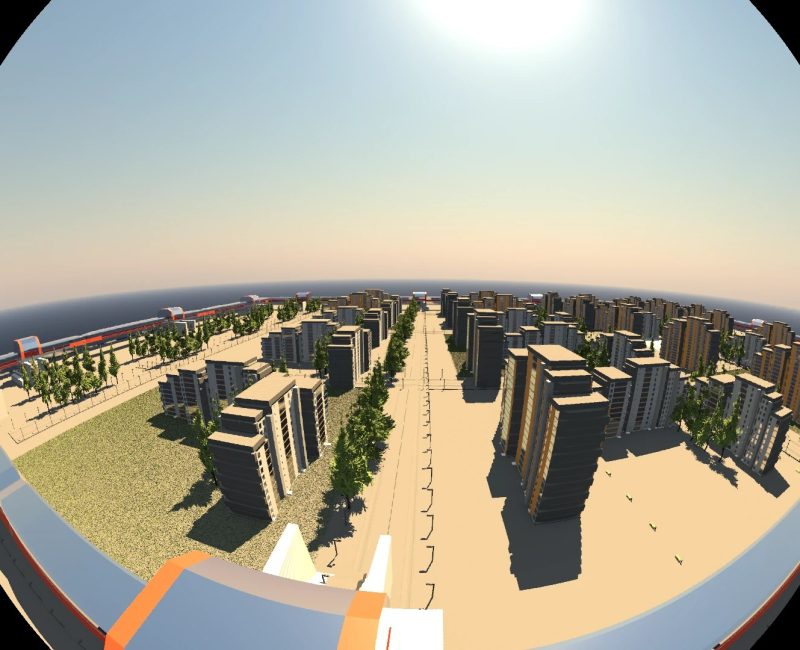
Blender 5.3 landed on November 10, and if you run the open-source 3D suite on Linux, the headline change isn’t a shiny new node or a render feature. It’s the plumbing. Starting with this release, Blender’s Vulkan graphics backend is the default on Linux and on x86 Windows, replacing the OpenGL path that has drawn Blender’s viewport for most of its life. Macs stay on Metal, and Windows on Arm stays on OpenGL for now.
That sounds like a footnote, but it’s one of the bigger architectural moves the Blender Foundation has made in years. Vulkan support has been in the works across several releases, and flipping it on by default means every new install on a Linux desktop is now leaning on Mesa’s and NVIDIA’s Vulkan drivers instead of their OpenGL stacks. The release also packs in native 3D Gaussian Splats, NVIDIA DLSS denoising in the viewport, light dispersion for glass, panoramic cameras in EEVEE and an optional project system. There’s a lot here, so let’s sort out what actually matters and where the rough edges are.
Vulkan by default: what changes on your Linux box
According to the official EEVEE and Viewport release notes, the Blender team didn’t just flip a switch. They also lowered the minimum requirement to Vulkan 1.1 and made some GPU and driver features optional, specifically so more hardware can use the new backend. That matters a lot on Linux, where people run Blender on everything from brand-new workstation cards to aging laptops with integrated graphics.
There’s one detail worth knowing before you panic about your setup. The pull request that made Vulkan the default, a change from May that Blender developer Jeroen Bakker shepherded into the 5.3 milestone, says the new default applies to factory settings and does not rewrite an existing user preference file, since someone may have picked OpenGL deliberately. In other words, if you’ve been on OpenGL on purpose, Blender isn’t supposed to yank that away from you. If you want to compare the two yourself, the backend choice lives in Preferences under the System section, and a restart is needed after changing it.
Now, the performance question. Blender published a small benchmark table in its release notes, run on a Ryzen 9 7950X with an NVIDIA RTX 6000 Ada card on Linux 7.0 with NVIDIA’s 595.91.07 driver, averaged over three runs. Some of the gains are big. The “hatching” scene went from 597 fps on OpenGL in 5.3 to roughly 903 fps on Vulkan, “shader_balls” jumped from about 140 fps to 226 fps, and “rain_restaurant” climbed from around 24 fps to 35 fps.
But I like that the same table is honest about the limits. In the heavy “barbershop_interior” scene, Vulkan in 5.3 hit 45.6 fps, which is actually a hair below what OpenGL managed in Blender 5.2.2 (46.5 fps). The “blender290-fox” scene barely moved at all, around 18 to 19 fps either way. And a couple of tests show Vulkan in 5.3 running slightly slower than Vulkan in 5.2.2. That’s one machine and one vendor’s driver, so treat it as a sanity check rather than a promise. As Linuxiac pointed out, the results depend heavily on workload and graphics hardware, and Linux users on Mesa drivers for Intel or other GPUs will want to see independent numbers. Phoronix says its own Blender 5.3 benchmarks are coming soon.
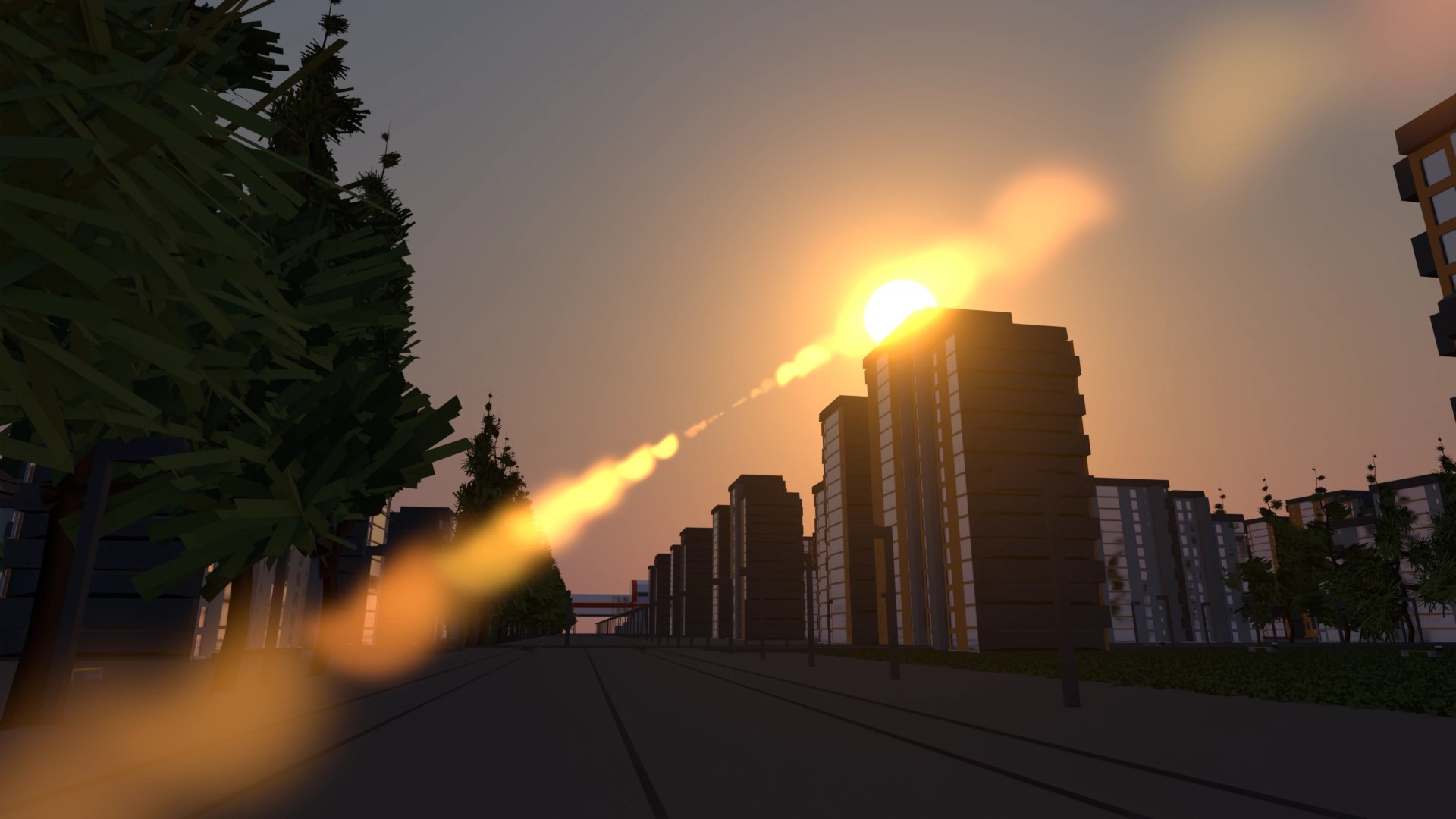
It’s also not finished work. The original pull request listed further Vulkan optimization targets, including video playback, data uploads, sculpting and instancing, and noted that memory differences compared to OpenGL should be documented. If you sculpt dense meshes or lean on the video sequencer, that’s the area to watch. The upside is that the Vulkan backend unlocks things OpenGL couldn’t do well here: Workbench, Blender’s quick solid-shading engine, can now use hardware ray-traced shadows on Vulkan and Metal, which the notes describe as giving the same look as the old stencil shadows with a significant speed boost on modern hardware. It shows as inactive if your GPU or backend can’t do hardware ray queries.
Gaussian Splats, DLSS and the rest of the 5.3 haul
Away from the graphics API, the feature getting the most attention is native 3D Gaussian Splats. If you haven’t run into them, splats are the soft, semi-transparent blobs used to rebuild a real-world scene from photos or video, and they’ve exploded in photogrammetry and capture apps. Per the rendering release notes, Blender can now import them from PLY and SPZ files (the main release page also lists glTF), store them as point clouds, push them through Geometry Nodes, and render them in Workbench, EEVEE and Cycles.
The team is upfront that this is a first pass. There’s no export yet, performance “is not ideal,” and because most splat tools train in sRGB while Cycles and EEVEE work in linear space, the output isn’t fully correct, especially in low-opacity, high-brightness areas. Apply Transform also doesn’t handle the new splat attributes properly yet. Relighting is described as rudimentary. Still, being able to drop a captured scene straight into a Blender project without a third-party add-on is a real workflow win for a lot of people.
NVIDIA owners get a new viewport denoiser built on DLSS, which the release page identifies as DLSS 4.5 Ray Reconstruction. It upscales and reuses samples from earlier frames to get a cleaner preview faster, and it needs NVIDIA driver version 620 or newer. That’s vendor-specific, obviously, so it does nothing for Intel or other GPUs, but it’s a nice boost for look development in Cycles.
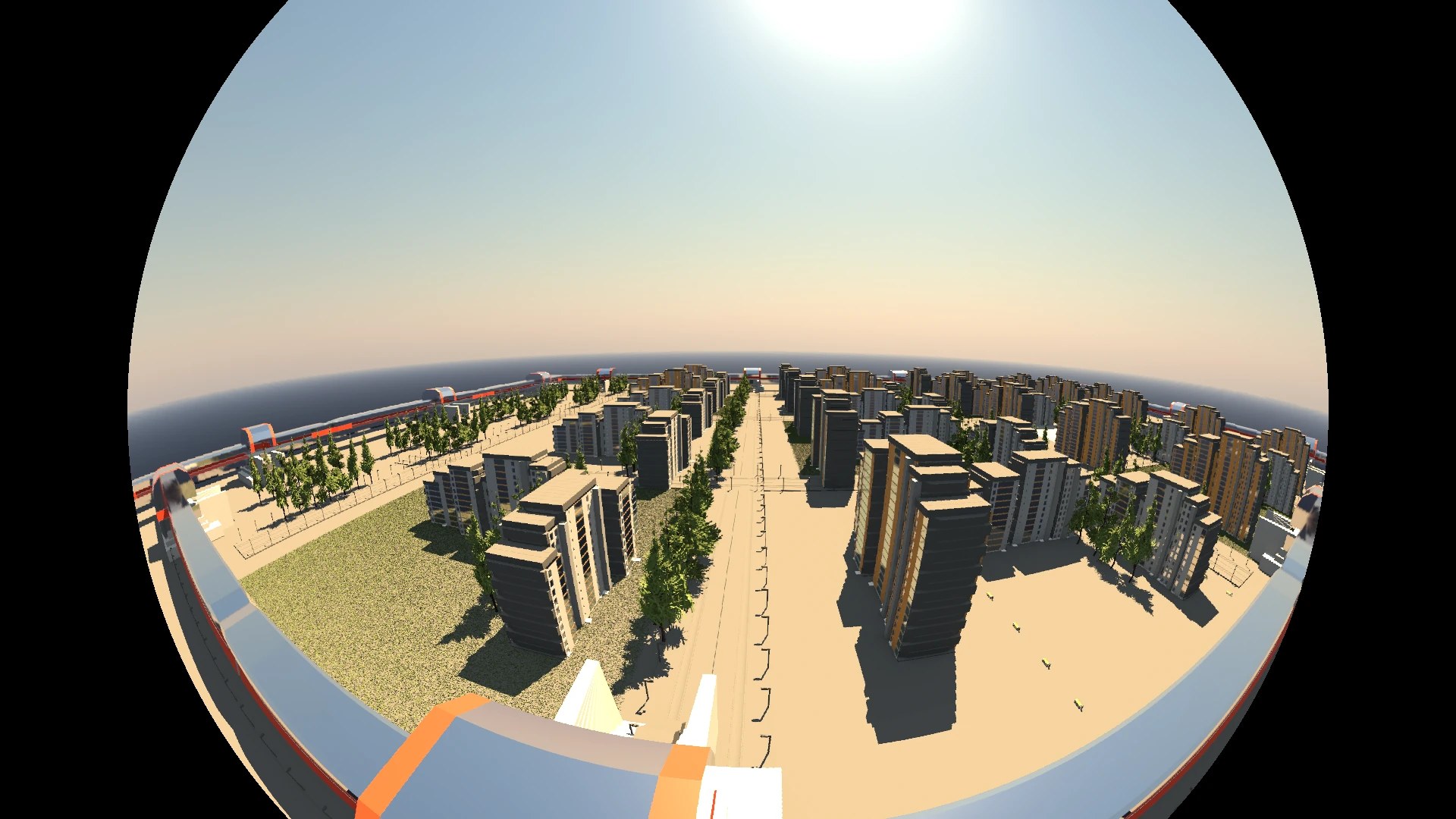
The rest of the list is long and mostly great for day-to-day use. The Principled BSDF now supports dispersion, so glass and gems can split light into rainbows. EEVEE can render panoramic cameras, from equirectangular to several fisheye types and mirror ball, though depth of field, raytracing and viewport volumetric reprojection aren’t supported with them yet. New Material Lighting nodes let you control how a material reacts to each light, which is a big deal for toon and stylized shading.
On the organization side, Blender 5.3 adds an optional project system with a root folder, project-wide path variables, per-project asset libraries and per-project color management, including ACES 1.3 and ACES 2.0. Video editors get ripple editing and a rewritten Blade tool in the sequencer, and the Outliner finally supports custom sorting. Sidebars in every editor are now searchable with Ctrl+F, which sounds small until you’ve hunted for an add-on setting buried three tabs deep.
Cody’s take
Making Vulkan the default is the right call, and it’s been a long road to get here. OpenGL is a legacy API at this point, and Blender betting its Linux and Windows viewport on Vulkan puts it in line with where the rest of graphics, including Linux gaming through Proton and DXVK, has already gone. The lower Vulkan 1.1 floor shows the team is thinking about older hardware too, which is exactly what a free tool used by students and hobbyists on hand-me-down PCs should do.
That said, I wouldn’t oversell it. The official numbers are from one high-end NVIDIA workstation, a few scenes show little or no gain, and the to-do list still includes sculpting and video playback performance. If your Blender session suddenly feels off after upgrading, switching the backend back to OpenGL in Preferences is a perfectly reasonable move while drivers and Blender both mature. If you’re on Linux and curious, grab Blender 5.3 from blender.org, open your heaviest scene, and see for yourself. And if you capture real-world spaces with splats, this might be the release that finally pulls that whole workflow into one app.
Author