


If you’ve ever dragged a folder onto a USB stick in Dolphin, watched the progress bar hit 100 percent in a few seconds, yanked the stick, and then found half your files missing or corrupted, it wasn’t you. It was a bug. A really old one.
KDE Frameworks 6.32 landed on Friday, Nov. 13, and the headline change is a fix for KDE bug 281270, a report filed in September 2011 against KDE 4.7. Its title says it all: when copying files to a removable disk, speed and progress reflect copying to the local cache, not to the disk itself. Fifteen years later, it’s marked resolved, and the way it finally got fixed is a nice little lesson in why “just make it correct” is rarely the whole job.
Frameworks is the set of libraries under Plasma and most KDE apps, and it ships monthly. This release requires Qt 6.10, and as usual, rolling-release distros like Arch, openSUSE Tumbleweed and friends will get it first, with fixed-release distros following on their own schedules.
Why Dolphin said “done” when it wasn’t
The root cause isn’t really a KDE mistake so much as a Linux behavior that KIO, KDE’s file-access layer, never accounted for. When a program writes a file, the kernel usually accepts the data into the page cache in RAM and returns right away. The actual write to the device happens later, whenever the kernel gets around to it. On a fast internal NVMe drive, “later” is basically now. On a slow thumb drive, it can be a minute or more.
So KIO’s progress bar was measuring how fast it could fill memory, not how fast the stick was writing. The original reporter noticed the notification claiming roughly 50 MB/s to a USB 1.1 device, which tops out at 12 Mbit/s. Kernel developer Alan Stern explained the situation to that reporter, and the summary quoted in the bug is blunt: the copy “is finished when it has not even been started.”
That was annoying for copies. For moves, it was genuinely dangerous. KIO deleted each source file right after its copy “finished,” even though the new copy might still only exist in RAM. Pull the drive early and the file could be gone from both places. That’s why KDE developer Nate Graham bumped the bug to the highest priority back in 2021, and why 9to5Linux called it a data integrity bug rather than a cosmetic one. Distros had been papering over it in the meantime; the bug thread points to a udev-rule workaround shipped by BigLinux and Manjaro that limits how much unwritten data can pile up for USB devices.

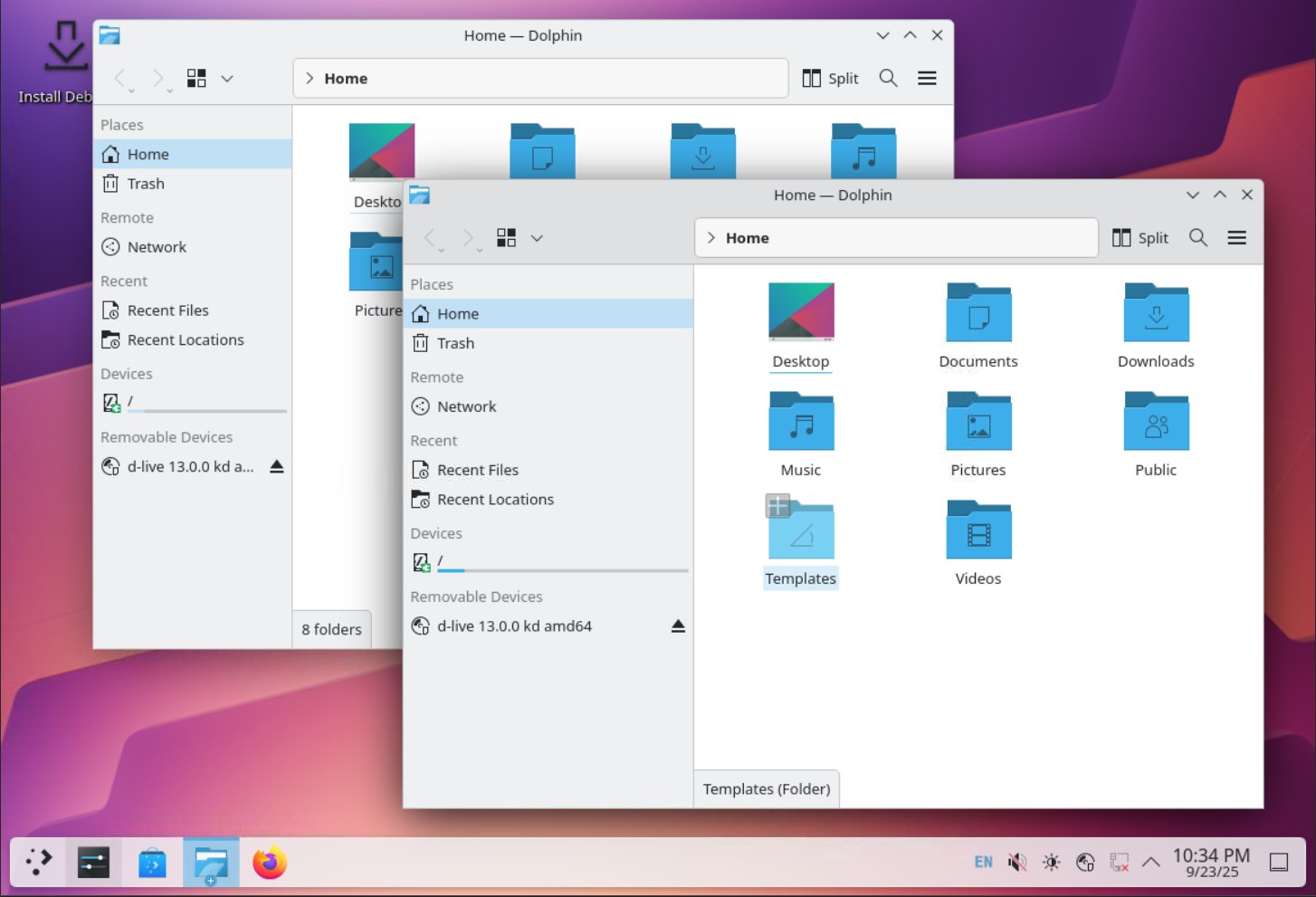
The fix comes from longtime KIO contributor Méven Car, who wrote a detailed post about it in late October and called it his white whale. The interesting part is that the right tool was suggested in the bug thread within weeks of it being filed in 2011: the Linux-only sync_file_range() system call, which lets a program push part of a file to disk and wait for it. Car says he tried twice in 2024 and didn’t get it right, including one version that waited on writeback that hadn’t actually started yet, so it never waited at all.
Why did something with a known answer take this long? Because the easy fixes are slow. Calling fsync() after every file, or skipping the cache entirely with direct I/O, would have made copies correct and also made them painfully slower, including on fast internal drives where nothing was wrong. Car’s own numbers make the point: a naive fsync-per-file approach turned a 3,000-file copy of 16 KiB files on a local disk from 0.04 seconds into 10 seconds. Nobody wants that trade.
How the fix actually works
The new approach, spread across four KIO merge requests, is smarter about who gets the careful treatment and how much waiting happens.
First, KIO now figures out whether a destination is actually removable by reading sysfs, including the disk’s removable flag and whether it hangs off an external USB port, PCIe slot or SD reader. That matters because filesystem type tells you nothing useful here: exFAT could be a memory card, and FAT32 is also your laptop’s EFI partition. It even follows encrypted and LVM volumes down to the physical disk. Network mounts KIO already treats as slow, including NFS, SMB/CIFS, Ceph, GlusterFS, 9p, sshfs and FUSE mounts like rclone, get the new behavior too.
Second, data now goes out in “writeback windows.” Instead of dumping a whole file into RAM, KIO fills a chunk, hands it to a helper thread that writes it back with sync_file_range(), and keeps filling the next one. At most two windows are ever sitting in memory unwritten, so the progress bar can only run about one window ahead of reality. The windows adapt to the link: each aims for about 200 ms of writeback, starts at 1 MiB, and is capped at 16 MiB (128 MiB on CIFS shares).
Third, “done” now means done. Large files get an fsync() at the end. Small files are handled with a single syncfs() on the whole destination filesystem once the batch is complete, and the notification says “Writing the copied data to the device…” while that happens. If the flush fails, the copy fails, because the data may not be there. Moves keep the original files until the flush succeeds, and if you unplug the stick mid-flush, every source stays put.
Fixed internal drives don’t get any of this, so day-to-day copies on your SSD shouldn’t change. In a test that forced the removable path onto a local disk, Car measured those 3,000 small files at 1.55 seconds versus 1.54 before, which is basically noise.
There are honest tradeoffs, and Car lays them out. Copies to a USB stick now take longer by the clock, because the clock finally includes the time the stick spends writing. The real time until your data is safe didn’t get worse. On a throttled SMB test link, the copy ran about 3 percent slower, but listing the destination folder during the copy dropped to 1.7 seconds from 5 to 11 seconds before, so Dolphin should feel a lot less frozen on network shares. The merge request also lists known limitations: the final flush covers the whole device, so it will wait on anything else writing to it, and only KIO’s main copy job does the flushing, so apps calling the lower-level single-file copy functions don’t get it automatically. And this is a KIO fix, so it helps Dolphin and other KDE apps, not every program on your desktop.
A related speedup rode along: copies between two different filesystems now fall back to the in-kernel sendfile() path instead of shuffling data through userspace buffers, after a Linux 5.19 change stopped copy_file_range() from working across filesystems.
The rest of 6.32 is a typical monthly grab bag. The Baloo search engine gets scoped searches for filenames, contents or metadata and a reworked index backend. KImageFormats adds DDS support for BC4, BC5, BC6H and BC7 compressed textures, which is handy if you mess with game assets, plus OpenEXR’s lossy HTJ2K. Holding Alt to scroll horizontally with a regular mouse wheel works again after a Qt 6.12 change broke it, icons are less blurry at fractional scaling, and KWallet’s first-run wizard is less confusing. Phoronix and 9to5Linux both flagged the USB fix as the standout, and that feels right.
Cody’s take
I grew up in the era of PS2 memory cards with that “do not remove the memory card” warning, and honestly, that screen was more truthful than Dolphin has been for a decade and a half. Getting a progress bar that tells the truth sounds small, but it’s the kind of fit-and-finish thing that makes people trust a desktop. It’s also a good reminder that open source bugs sometimes stay open not because nobody cares, but because the correct fix has to avoid making everything else slower.
The caveat is practical: until your distro ships Frameworks 6.32, keep hitting Eject in the Disks & Devices applet and waiting for it to say it’s safe. And even afterward, if you’re moving files with something other than Dolphin or a KDE app, that habit is still worth keeping.
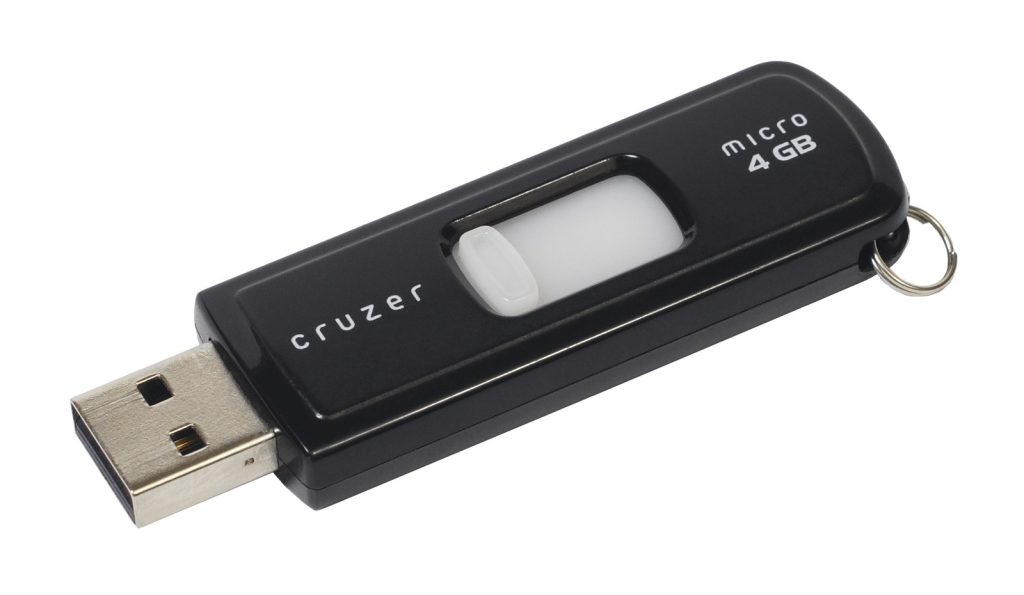
Featured image: SanDisk Cruzer USB flash drive. Photo: Evan-Amos / Wikimedia Commons, public domain.


